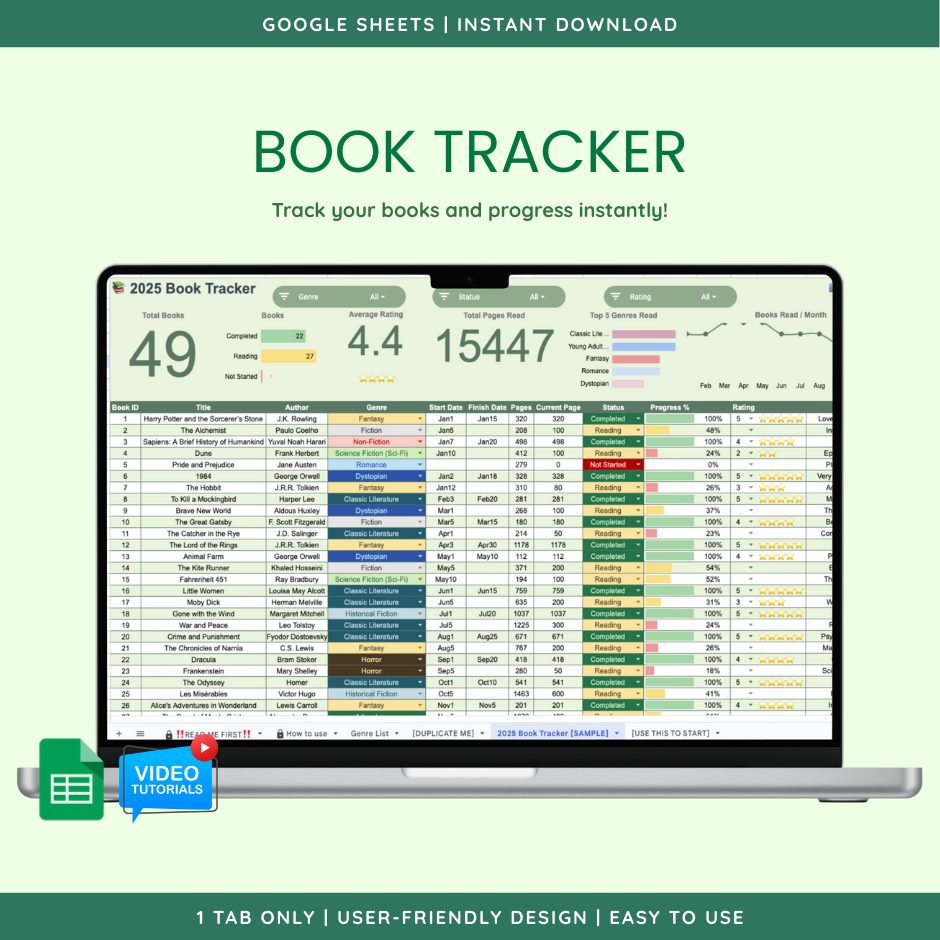
Book Tracker (Google Sheet Template)
Log every book you read with automatic progress percentages, ratings and notes, and a visual dashboard of your
₱199.00 · one-time payment · lifetime access
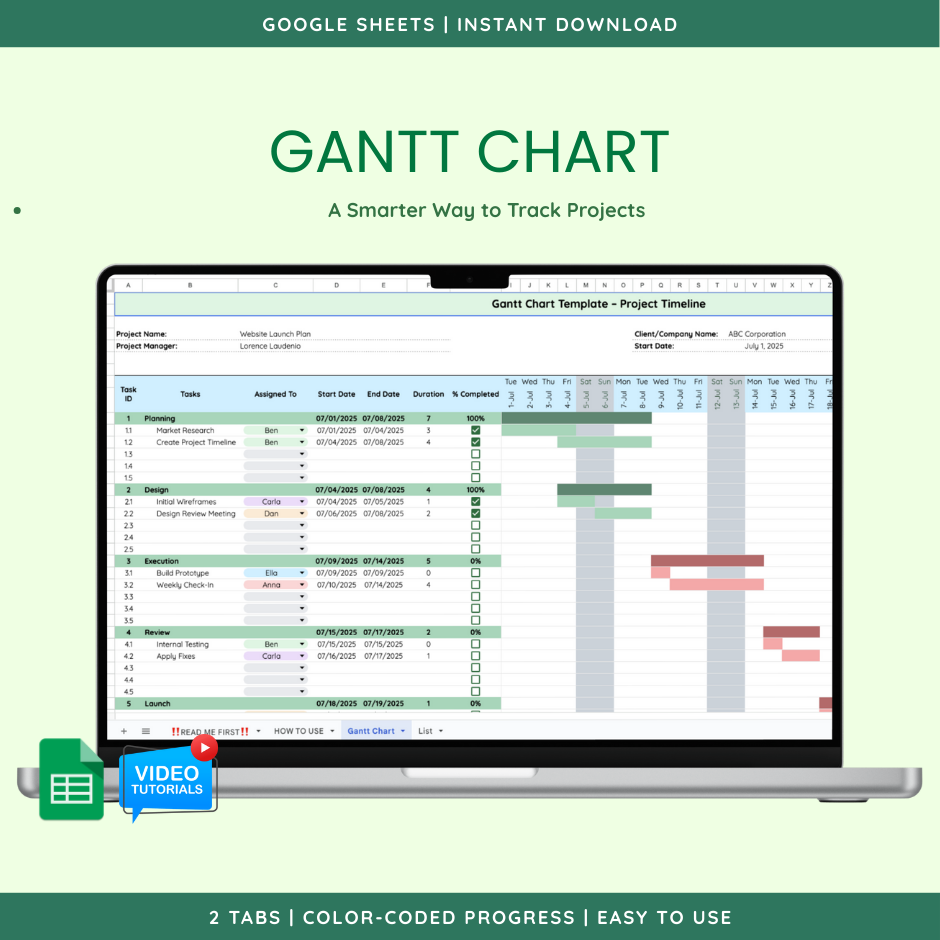
Enter start and end dates and the chart builds itself: color-coded progress, weekend shading, and category tracking with no scripts required.
⚡ Delivered by email after payment · Free updates
Manage projects visually with this fully automated Gantt Chart in Google Sheets. Designed for freelancers, teams, and project managers who want a clean way to track progress.
Key Features:
- Category and subcategory tracking for layered task organization
- Assigned To column for clear ownership of each task
- Completion check: mark tasks done and watch them change color
- Color-coded progress: green (done), yellow (ongoing), red (not started)
- Auto-generated calendar: enter a start date and the rest fills in
- Visual timeline: colored bars fill automatically from start and end dates
- Weekend highlighting: weekends shaded grey for easier planning
- No add-ons or scripts: 100% pure Google Sheets, fully editable
Why choose this template:
- No complex setup required
- Customizable for personal or professional projects
- Clean design, ready to use immediately
No reviews yet. Be the first to review this template!
Reviews are limited to customers who purchased this template — use the email address from your order.
Log every book you read with automatic progress percentages, ratings and notes, and a visual dashboard of your
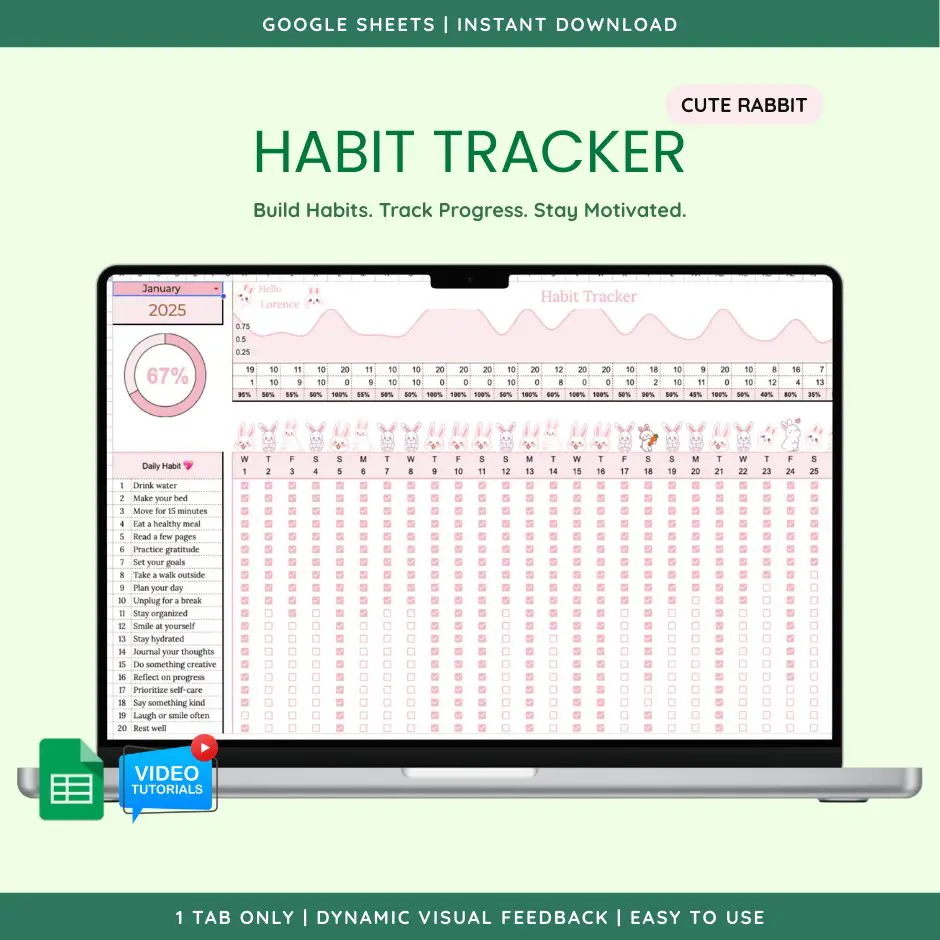
Build habits with themed visual feedback, daily and monthly mood tracking, and an overall progress graph that
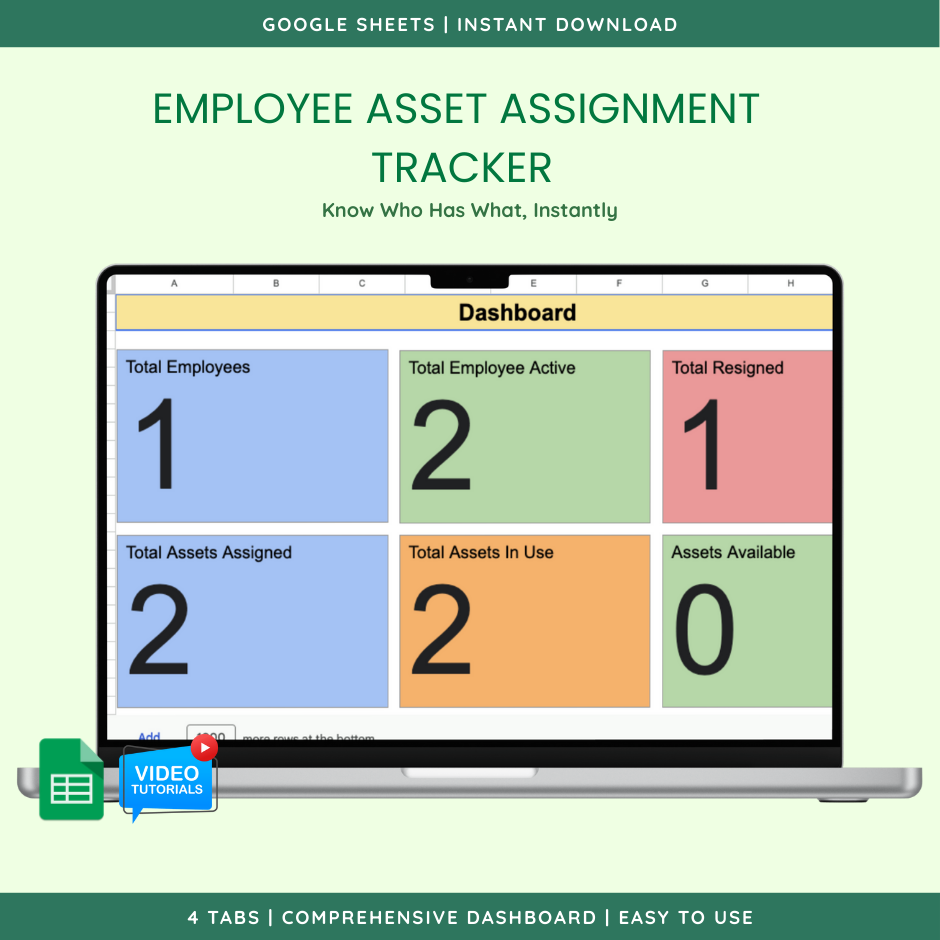
Track company assets with automatic asset tags, instant employee lookup, and real-time status updates in one o
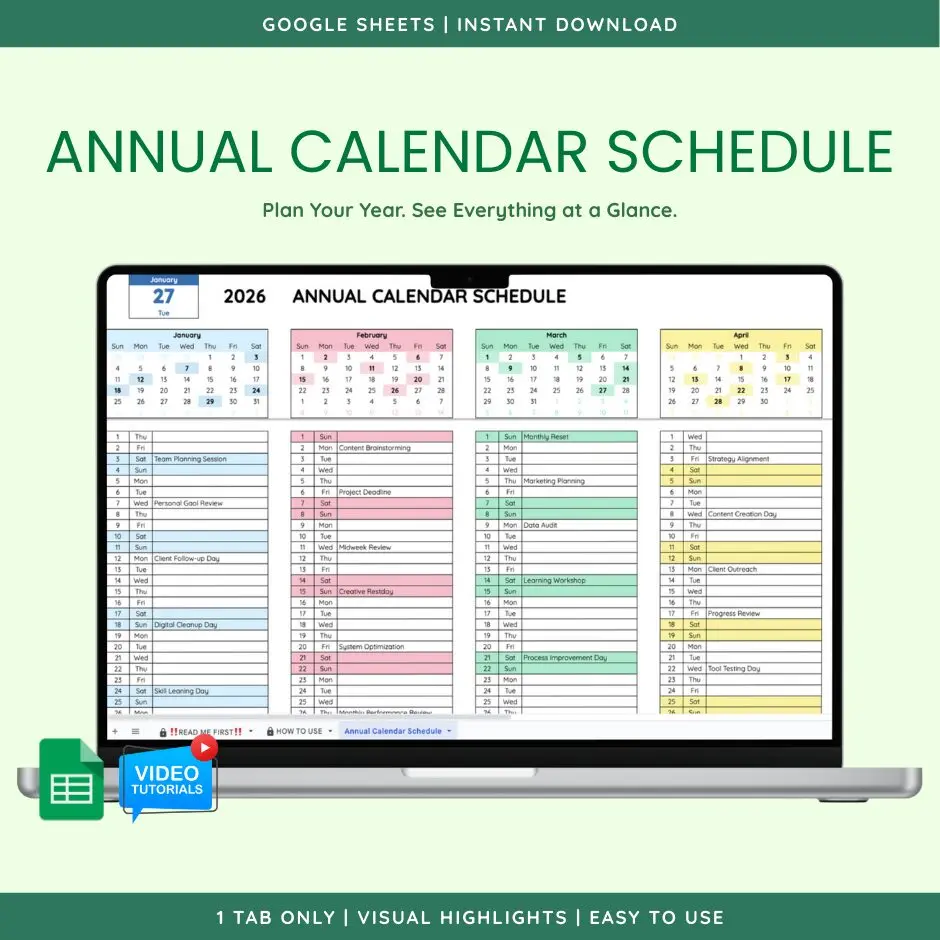
See your entire year at a glance: type the year once, mini-calendars auto-highlight scheduled dates, and weeke
Yes — Gantt Chart (Google Sheet Template) is built specifically for Google Sheets. It opens directly in your browser with a free Google account; no installation needed.
Yes. Google Sheets works on Android and iOS, so you can view and update the template from your phone or tablet. The layout is easiest to use on a larger screen, but all formulas work on mobile.
Yes. Once the template is copied to your own Google account, you can rename sheets, add rows, change colors, and extend the formulas. It is a standard Google Sheets file that you fully own.
Right after payment, we email you a secure download link that opens your copy of the template. Delivery is automatic and usually arrives within a minute.
No. This is a digital spreadsheet template delivered by email — nothing is shipped.
No. It is a one-time payment with lifetime access, including free updates to the template.
 Lorence Laudenio Digital
Watch more template demos on our channel
Subscribe on YouTube