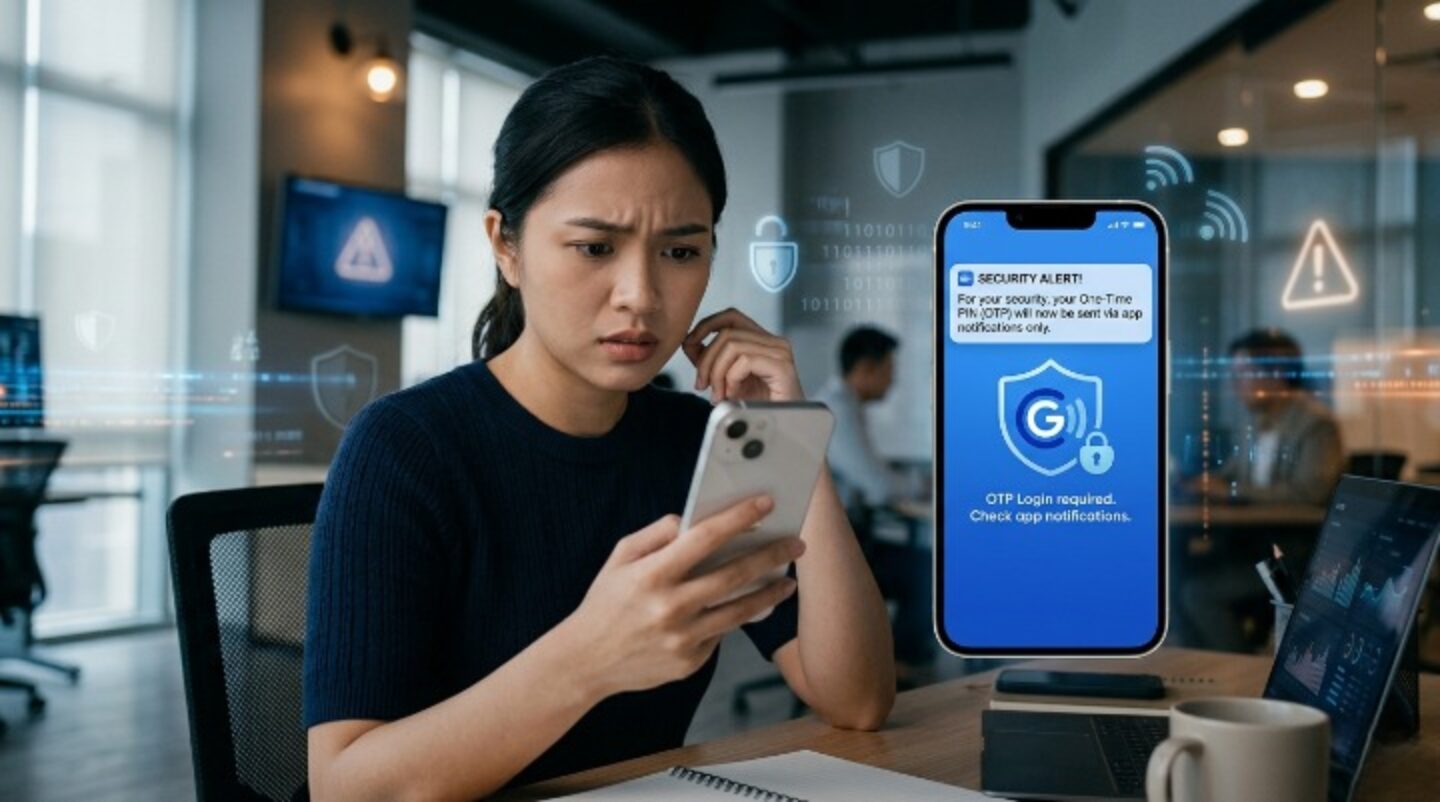
Starting March 24, 2026, a major GCash OTP notification update will take effect—and if you’re not prepared, you could temporarily lose access to your account.
This update changes how you receive your One-Time Passwords (OTPs). Instead of SMS, all OTPs will now be delivered through GCash app notifications.
If your notifications are turned off, you will not receive your OTP.
What Happens If You Don’t Enable Notifications?
If you ignore this GCash OTP notification update, you may experience the following:
- You won’t receive your OTP
- You won’t be able to log in
- You won’t be able to verify transactions
- You may temporarily lose access to your funds
Even if your money is still in your account, you won’t be able to use it without OTP verification.
How to Fix It in Seconds
The fix for this GCash OTP notification update is simple and only takes a few seconds.
For Android Users
Go to:
Settings → Apps → GCash → Notifications → Turn ON
For iOS Users
Go to:
Settings → GCash → Notifications → Allow Notifications → Turn ON
Once enabled, your device will receive OTPs through app notifications instantly.
Why the GCash OTP Notification Update Matters
This GCash OTP notification update is designed to improve security.
SMS-based OTPs have been commonly targeted by cybercriminals through:
- SIM swapping attacks
- Phishing scams
- Message interception
By moving OTP delivery to app notifications, GCash adds an extra layer of protection against these threats.
This helps ensure that only the device with your logged-in GCash account can receive the OTP.
Don’t Wait Until You Get Locked Out
Many users only notice this issue when they suddenly cannot log in or complete a transaction.
Avoid unnecessary stress by enabling your notifications now.
A few seconds of action today can prevent:
- Login failures
- Payment delays
- Transaction interruptions
Staying secure with your GCash account is just one part of financial awareness—building better money habits is equally important, especially if you are exploring topics like Where to Invest Your Money to Grow: A Complete Guide.
Additional Tips to Stay Secure
Along with this GCash OTP notification update, make sure to:
- Keep your GCash app updated
- Use a stable internet connection
- Enable all notification permissions (alerts, banners, sounds)
These small steps improve both accessibility and security.
Final Reminder
This GCash OTP notification update will take effect starting March 24, 2026.
If your notifications are turned off, you risk losing access to your account.
Enable your notifications now and make sure your account stays accessible and secure.