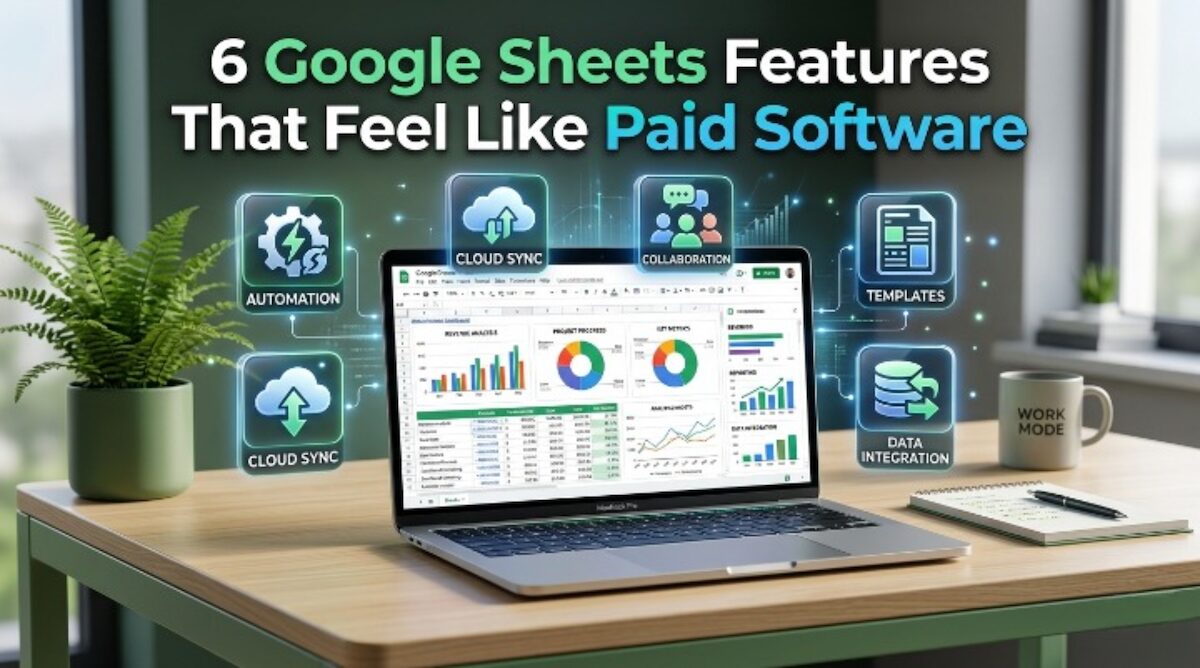
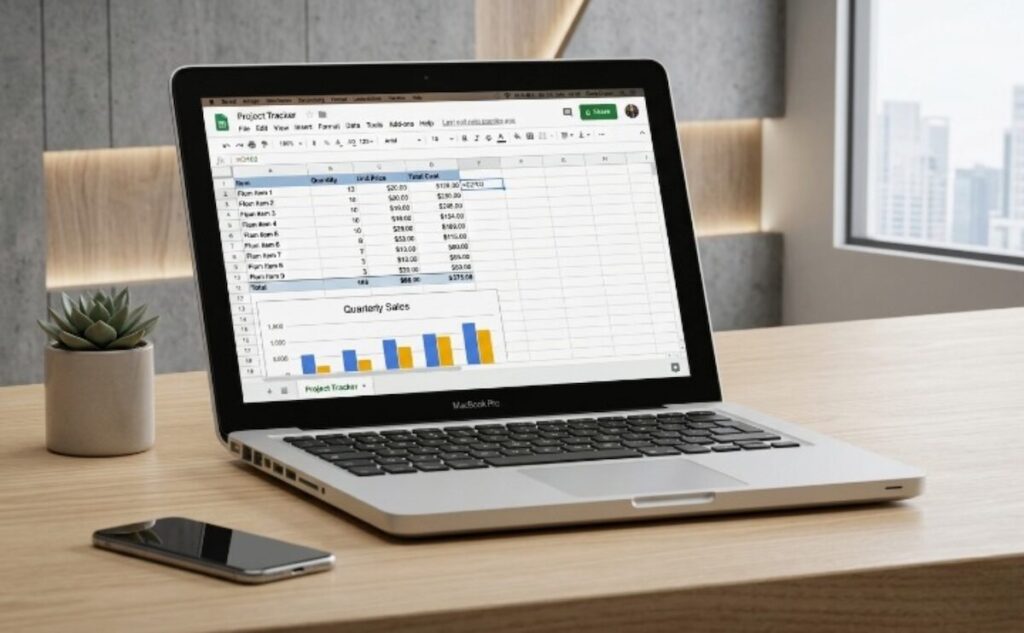
Google Sheets Features have improved so much that many users no longer need expensive software for daily tasks. What used to require paid apps can now be done inside a free browser-based spreadsheet.
Whether you are a freelancer, student, entrepreneur, or office worker, learning the right Google Sheets Features can save time, reduce costs, and improve productivity.
In this article, I’ll share six powerful tools inside Google Sheets that feel like premium software.
1. Google Sheets Features for Automatic Calculations
One of the best Google Sheets Features is automatic calculations.
You can instantly compute:
- Income and expenses
- Monthly budgets
- Payroll totals
- Profit margins
- Sales commissions
Using formulas like SUM, AVERAGE, and IF, Google Sheets removes the need for manual math.
This feels like using premium accounting software—but free.
Learn formulas directly from the official Google Docs Editors Help Center: Google Docs Editors Help
2. Google Sheets Features for Dashboards and Charts
Another standout among Google Sheets Features is chart creation.
You can turn boring data into:
- Pie charts
- Bar graphs
- Sales dashboards
- KPI reports
- Monthly trends
Business owners often pay for reporting software, but Google Sheets can already do this.
Visual dashboards help you understand numbers faster and make smarter decisions.
3. Google Sheets Features for Real-Time Collaboration
Real-time teamwork is one of the smartest Google Sheets Features available today.
Multiple users can:
- Edit the same file live
- Leave comments
- Assign tasks
- Review changes
- Share instantly
Instead of sending updated files back and forth, everyone works in one place.
This feels like paid project management software.
4. Google Sheets Features for Smart Automation
Advanced formulas are premium-level Google Sheets Features many people ignore.
Examples include:
FILTERfor dynamic listsQUERYfor database-style reportsVLOOKUPfor matching recordsARRAYFORMULAfor bulk calculationsIMPORTRANGEfor connecting files
These functions automate repetitive work and save hours every week.
If you use spreadsheets often, this is a game changer.
If you're using Google Sheets for business operations, templates can make things even easier. Read more here: Why Google Sheets Templates Are Important for Small Businesses
5. Google Sheets Features for Cloud Access Anywhere
One underrated set of Google Sheets Features is cloud accessibility.
You can open files on:
- Laptop
- Desktop
- Tablet
- Mobile phone
Everything auto-saves online.
That means no USB drives, no lost files, and no outdated versions.
For people working remotely, this is better than many paid desktop programs.
6. Google Sheets Features with Ready-Made Templates
Templates are one of the easiest Google Sheets Features for beginners.
You can instantly use templates for:
- Budgets
- Expense trackers
- Calendars
- Invoices
- Schedules
- Project planners
Instead of building from scratch, you can start immediately.
This gives the same convenience many paid apps advertise.
Why Google Sheets Features Matter in 2026
Today, many people waste money on subscriptions they don’t fully use.
Meanwhile, Google Sheets Features already provide:
- Automation
- Reporting
- Collaboration
- Accessibility
- Templates
- Organization tools
For many users, that’s enough to run personal systems or small businesses.
Final Thoughts on Google Sheets Features
If you only use spreadsheets for simple tables, you are missing the true power of Google Sheets Features.
These six tools prove that free software can compete with premium apps.
Start learning one feature at a time, and you’ll quickly understand why millions rely on Google Sheets daily.